Requesting a 3D printing quote shouldn't be slow. With the Doppialinea online quote tool you upload your file, select the technology and material, and get an indicative price before you confirm the order.
Step 1 — Prepare your file
For 3D printing, ideally use STEP or STL files with the correct units (millimetres). Check that the model is watertight, has no inverted faces and has wall thicknesses suited to the material you have chosen.
Step 2 — Choose technology and material
- SLS — powder-based functional prototypes and custom production runs
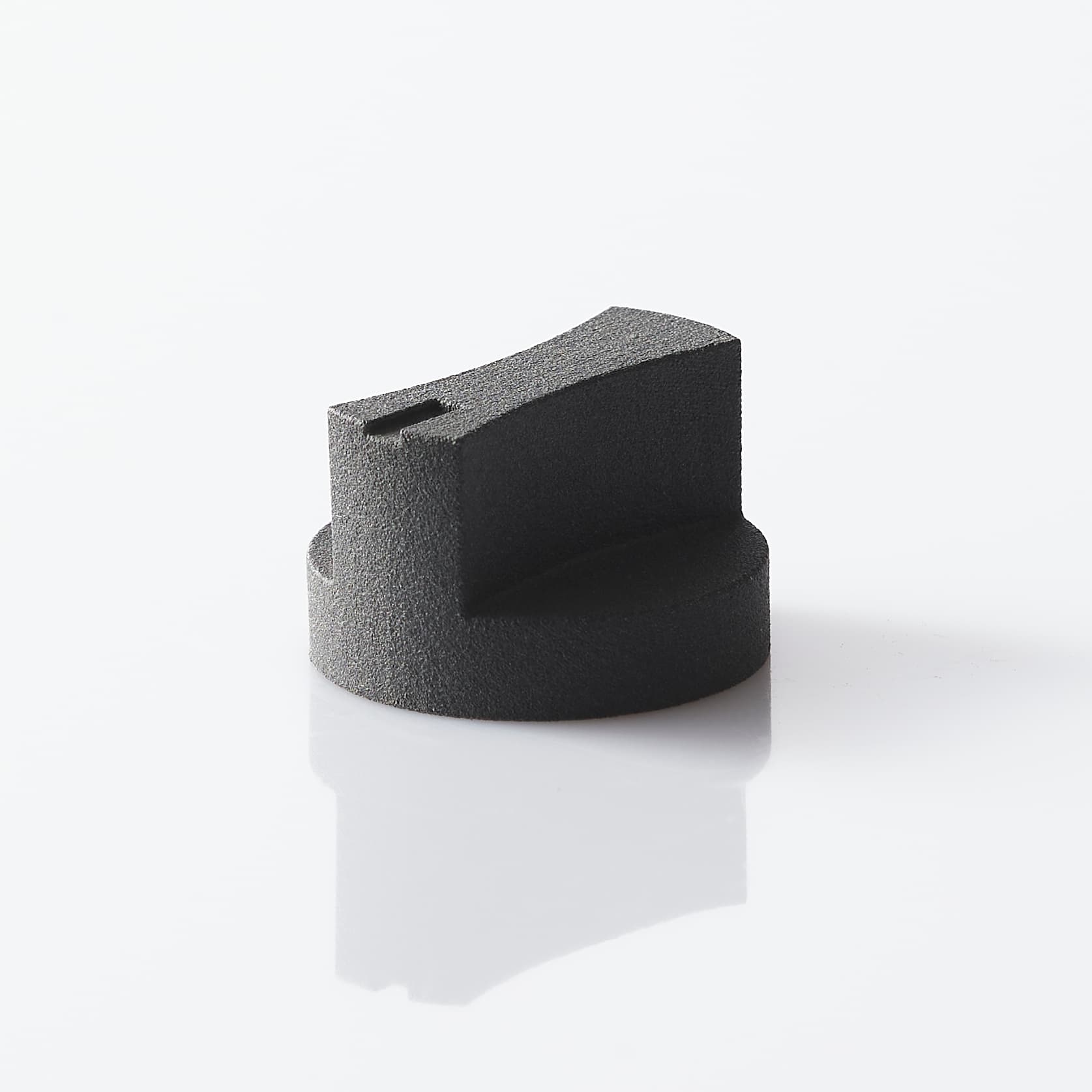
- MSLA — high detail and smooth surfaces in resin
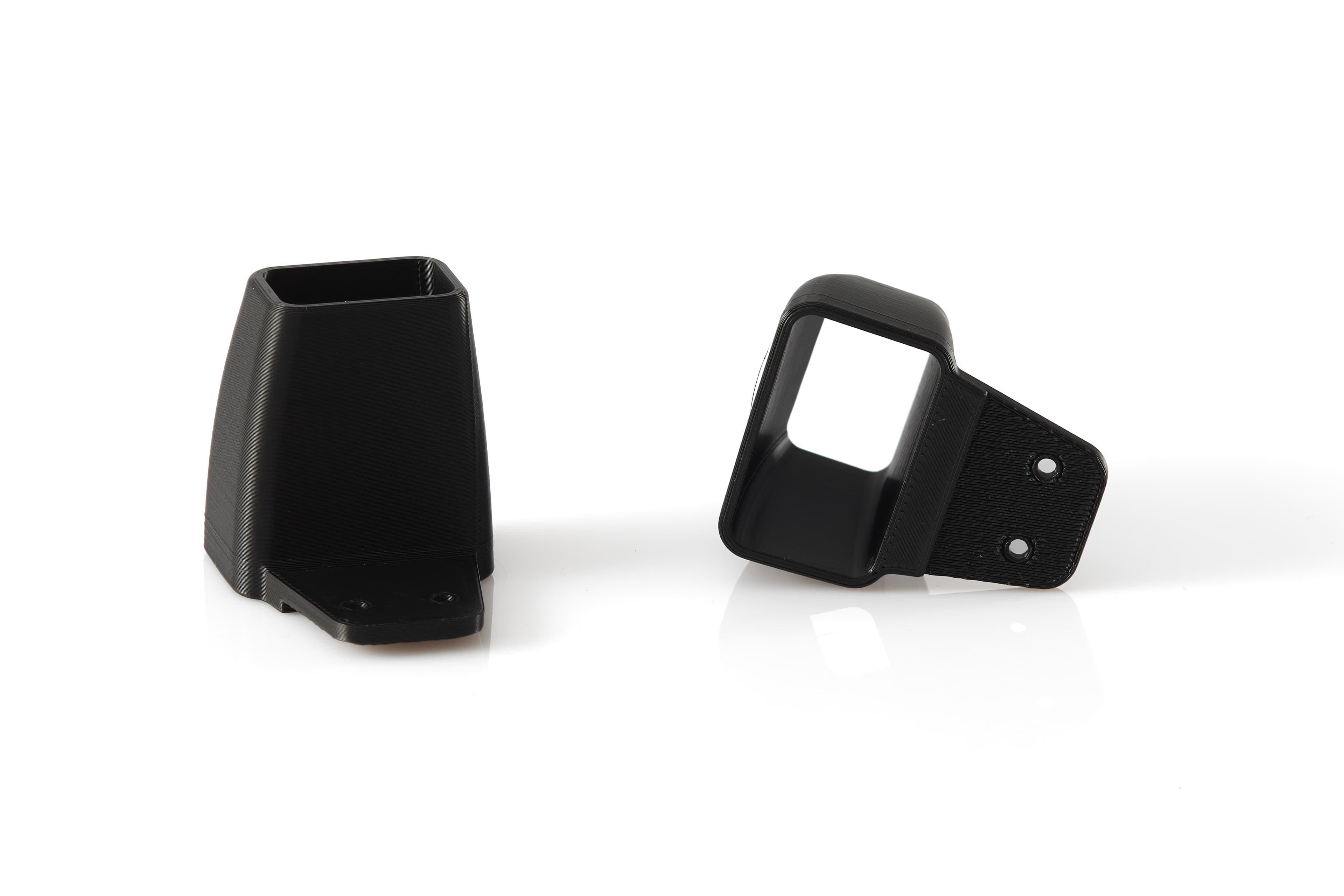
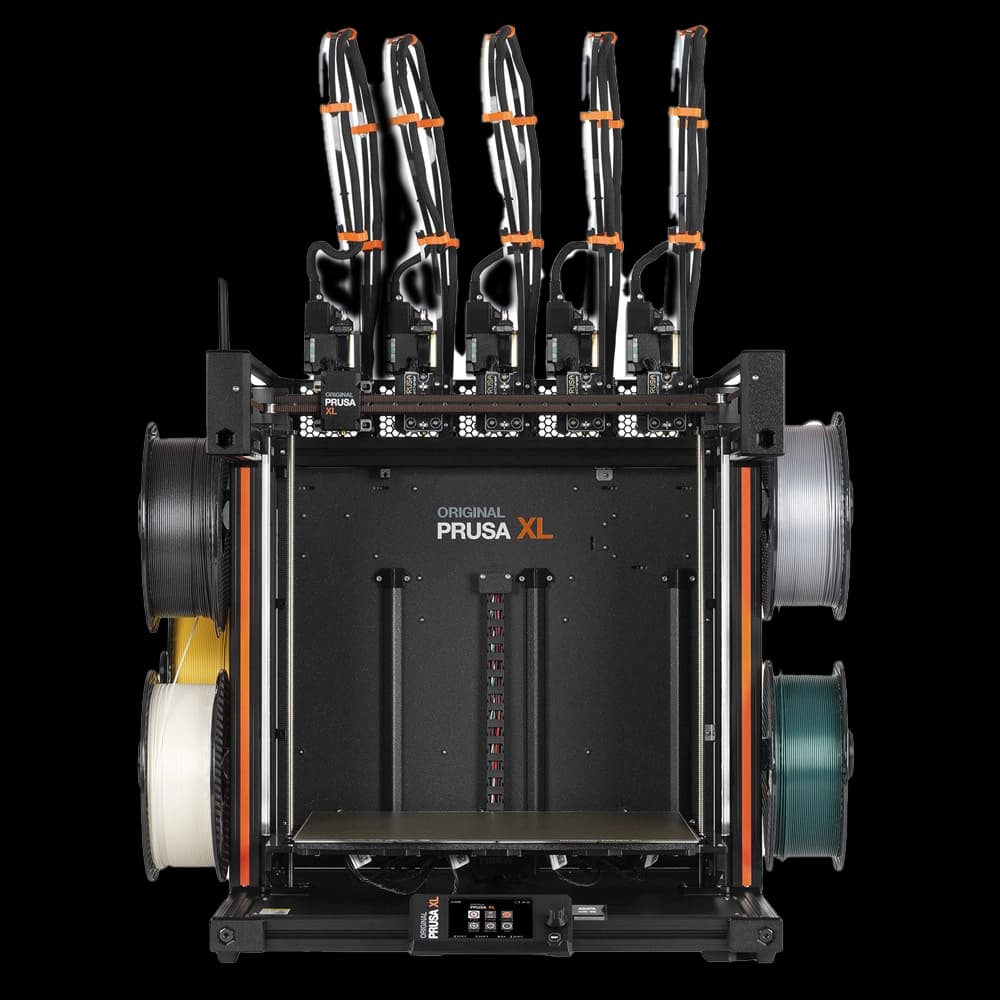
- FDM — large parts and engineering filaments
Step 3 — Set quantity and delivery
Enter the quantity, your required lead time and any optional finishing. The system calculates an indicative price; our team will still check the geometry and process before production.
When you need a custom quote
For special resins, tight tolerances or combined processes (printing + finishing + laser), contact us directly and we will work out the best solution together.
An indicative quote in minutes, with no registration required.
Open the quote toolEngineering filaments for prototypes and tooling.
Explore FDM printingFrequently asked questions
It is an indicative price based on the file you upload. Before production we confirm geometry, orientation and finishing with a technical check.
Yes, you can add several components and see the total before going to the cart.
Write to info@doppialineaofficial.com with the file attached, or visit the About us page for the team's contact details.