A part printed in FDM does not have the same properties in every direction. Along the layers it holds up well; between one layer and the next, much less so. This behaviour is called anisotropy and it is the first thing to understand if the part has to work under load.
Where anisotropy comes from
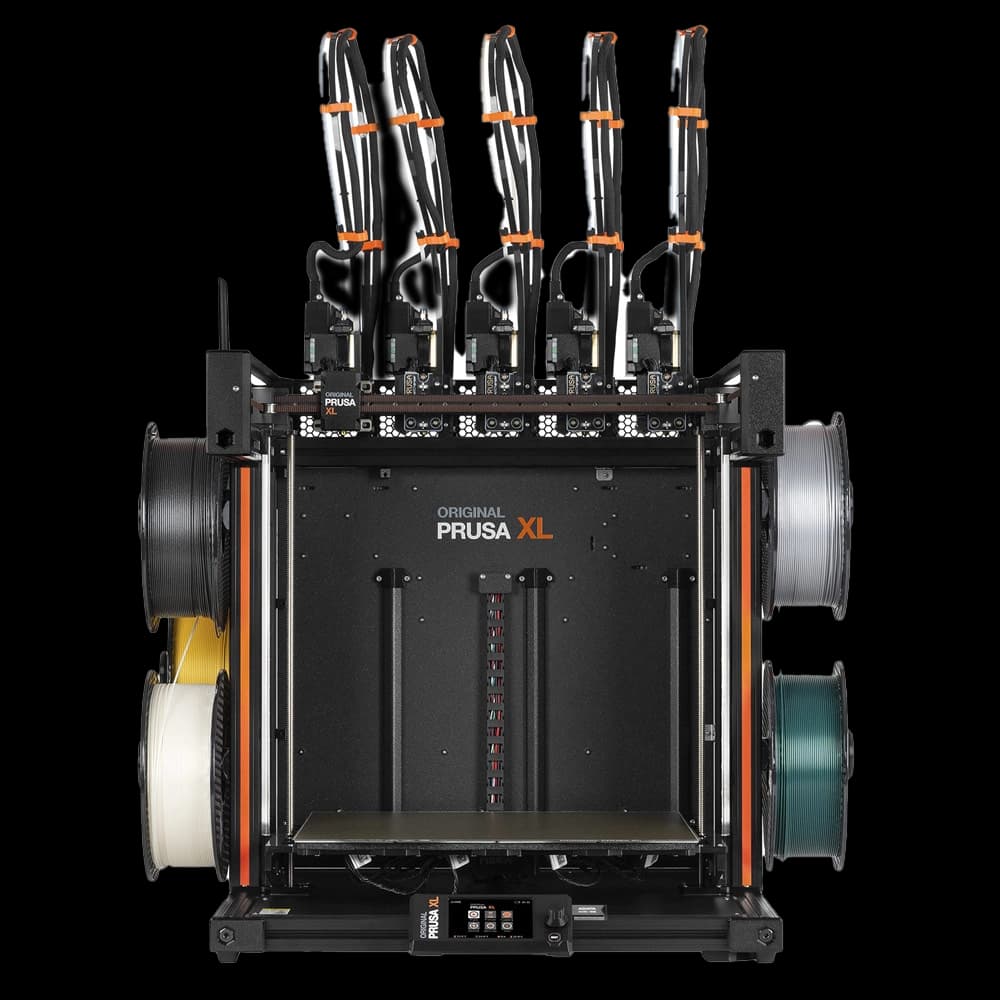
FDM printing builds the part by depositing a strand of molten plastic, one line after another and one layer on top of another. Each new layer bonds to the one below, which has already partly cooled in the meantime. The bond between two layers is therefore never as complete as the continuity of the material within a single line.
The result is a part that behaves differently depending on the direction:
- XY plane (the plane of the print bed): the lines of material are continuous. This is the strongest direction.
- Z axis (the height): the load has to pass through the contact surfaces between layers. This is the weakest direction.
What the datasheets say
Many filament manufacturers publish values measured on specimens printed flat (XY) and upright (Z). Two examples from the official datasheets:
- Polymaker PolyLite ABS: elongation at break 17.9% in XY and 3.1% in Z (ISO 527). Along the layers the material deforms before breaking; between the layers it separates almost without warning.
- Polymaker Fiberon PA6-CF20: dry tensile strength 109 MPa in XY and 54 MPa in Z (ISO 527). In terms of tensile strength, carbon fibres make the gap between XY and Z much more marked: by comparison, PolyLite ABS states 33.4 MPa in XY and 29.7 MPa in Z.
Fibre-reinforced filaments, such as our PA6-CF, PA12-CF or PC-CF, gain a lot of stiffness in the XY plane because the fibres align along the extrusion direction. Between one layer and the next, however, the fibres do not cross the joint. That is why orientation matters even more in composites.
In FDM printing the question is not just "how strong is the material", but "in which direction is the part loaded".
How to account for anisotropy in the design
1. Orient the part relative to the load
The rule is simple: the main forces should run along the layers, not pull them apart. An L-shaped bracket printed standing up risks opening at the corner, exactly where the layers are loaded in tension. The same bracket printed lying on its side carries the load along the lines of material.
2. Take care with pins, hooks and clips
A cylindrical pin printed vertically breaks easily at the base, because bending opens up the joint between layers. A snap-fit hook printed standing up tends to break on first insertion. Where possible, these features should be oriented with their axis along the print plane, or printed separately.
3. Avoid abrupt section changes along Z
Where a thin wall joins a solid base, the layers of the wall are the weak point. A fillet or chamfer distributes the stress better and increases the contact area between layers in that zone.
4. Consider walls and infill
More outer perimeters make the part stronger, because perimeters are continuous lines that wrap around the part. Internal infill helps stiffness, but it does not remove the weakness between layers: if the part fails in Z, increasing the infill does little.
When anisotropy becomes a problem
For many parts, the right orientation is enough. There are cases, however, where the load comes from several directions and no print position is truly safe: parts subject to impact, components working in torsion, complex geometries with stresses in every direction.
In these cases it is worth considering other technologies:
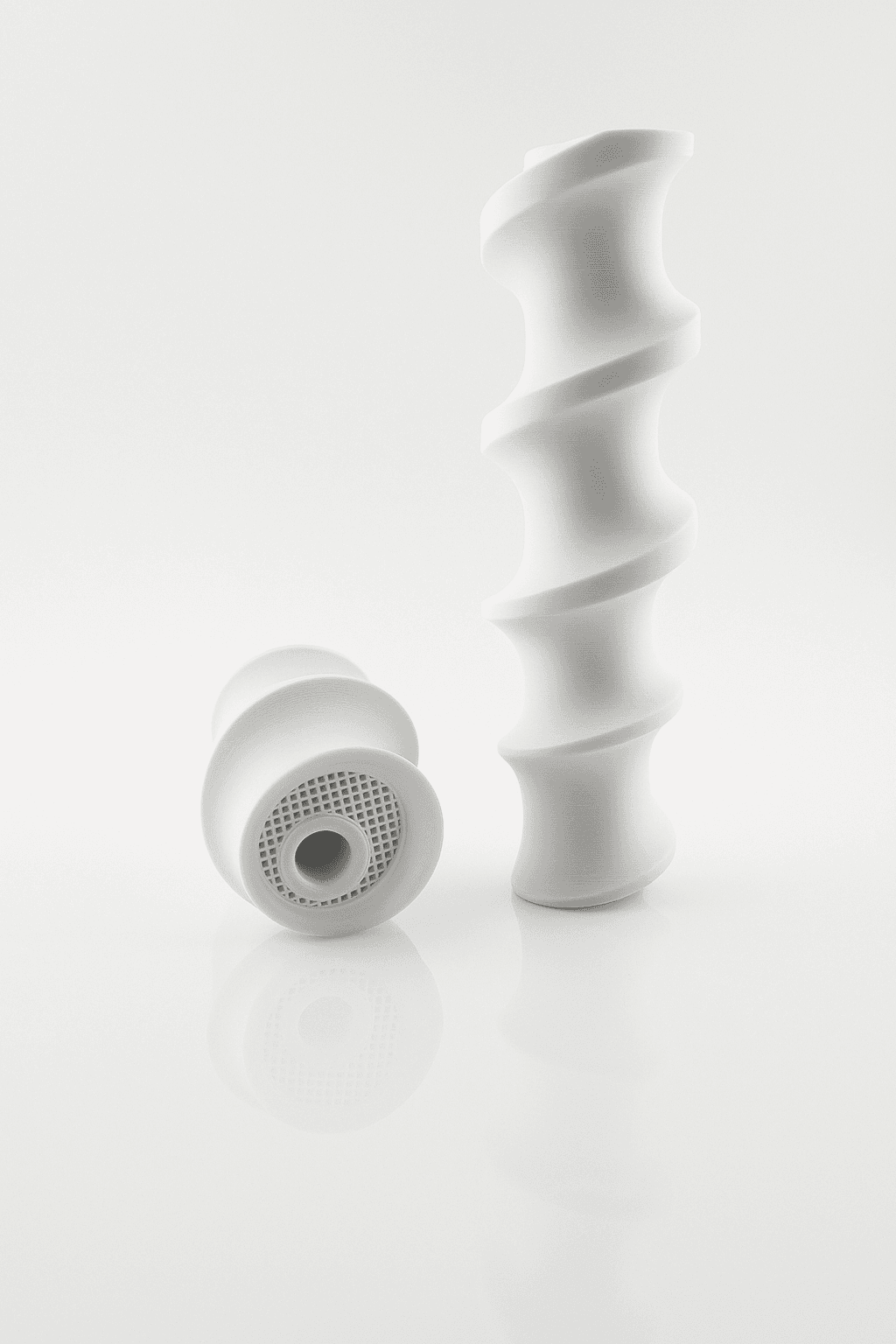
- SLS in PA12 or TPU: the powder is fused layer by layer, but the bond between layers is much more uniform than in FDM and the part behaves more evenly. In addition, no supports are needed, so the orientation can be chosen purely with function in mind. You will find the details on the SLS 3D printing page.
- MSLA in resin: useful for small, detailed parts with smooth surfaces, although standard resins are more brittle than engineering polymers.
FDM remains the right choice for large parts, tooling and components in engineering filaments, provided they are designed with the layer direction in mind. The full filament catalogue is on the FDM 3D printing page.
In summary
- An FDM part is stronger along the layers than between one layer and the next.
- The difference can be large, as the XY and Z values in manufacturers' datasheets show.
- With fibre-reinforced filaments the effect is greater.
- Orient the part so that the main load runs along the layers.
- If the load comes from every direction, consider SLS.
Do you have a part that must work under load but are not sure how to orient it? Upload the file to the online quote tool: choose technology and material and, if you have doubts about orientation, mention it in the notes.
Frequently asked questions
It is the difference in mechanical properties depending on direction: an FDM part is stronger in the layer plane (XY) than along the height (Z), where the load has to pass through the joints between layers.
It increases overall stiffness, but does not remove the weakness between layers. The orientation of the part relative to the load and the number of perimeters matter more.
When the part is subject to loads from several directions, impact or torsion and no orientation is truly safe. In SLS the behaviour is more uniform and no supports are needed.